
Automate File Organization with Claude Code: Tidy Up Messy Folders in Seconds
So far in this series, I’ve built everything from a weather forecast app and beyond. This time, I’m tackling file organization automation. I built a tool that automatically sorts the pile of files in your Downloads folder by type.
What We’re Building: An Automatic File Organizer
Key Features
- Sort by file extension: Automatically organize images, videos, documents, and more into folders
- Date-based organization: Create folders based on creation or modification dates
- Duplicate file detection: Find and remove identical files
- Batch file renaming: Add sequential numbers or dates for organized naming
- Scheduled execution: Set it to run automatically on a schedule
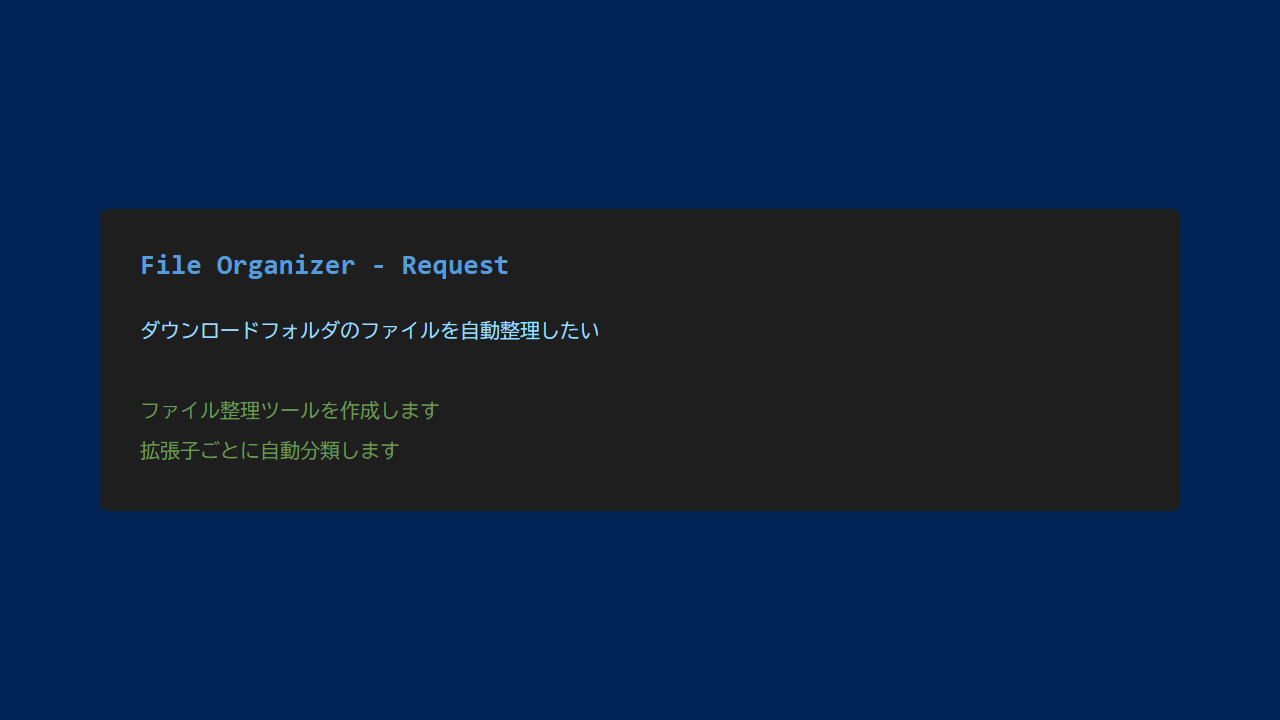
Chatting with Claude Code
I asked Claude Code: “I want to automatically organize files in my Downloads folder. Please sort them into folders by file extension.”
Claude Code proposed an implementation using Python’s pathlib and shutil libraries:
- Get each file’s extension
- Create the corresponding folder
- Move (or copy) files
- Display a processing report
Implementation Walkthrough
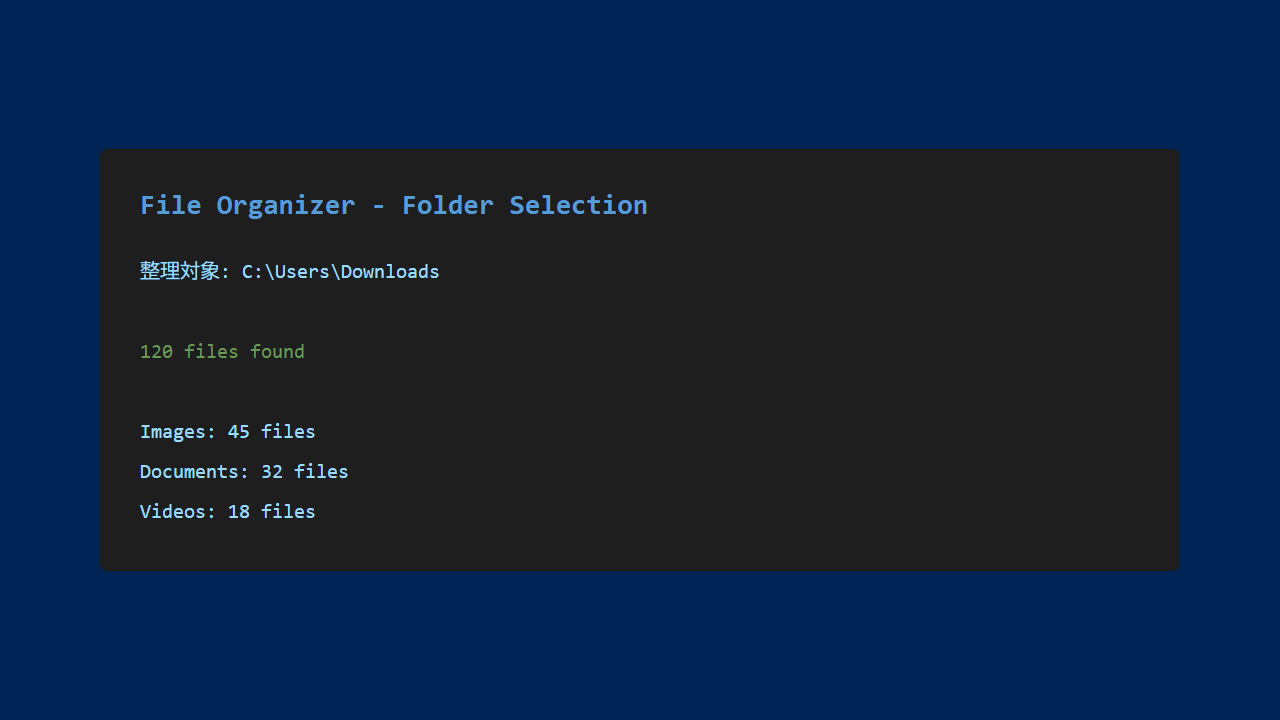
1. Select the Target Folder
Specify the folder you want to organize.
2. Run the Auto-Sort
The tool analyzes file extensions and moves files to the appropriate folders.
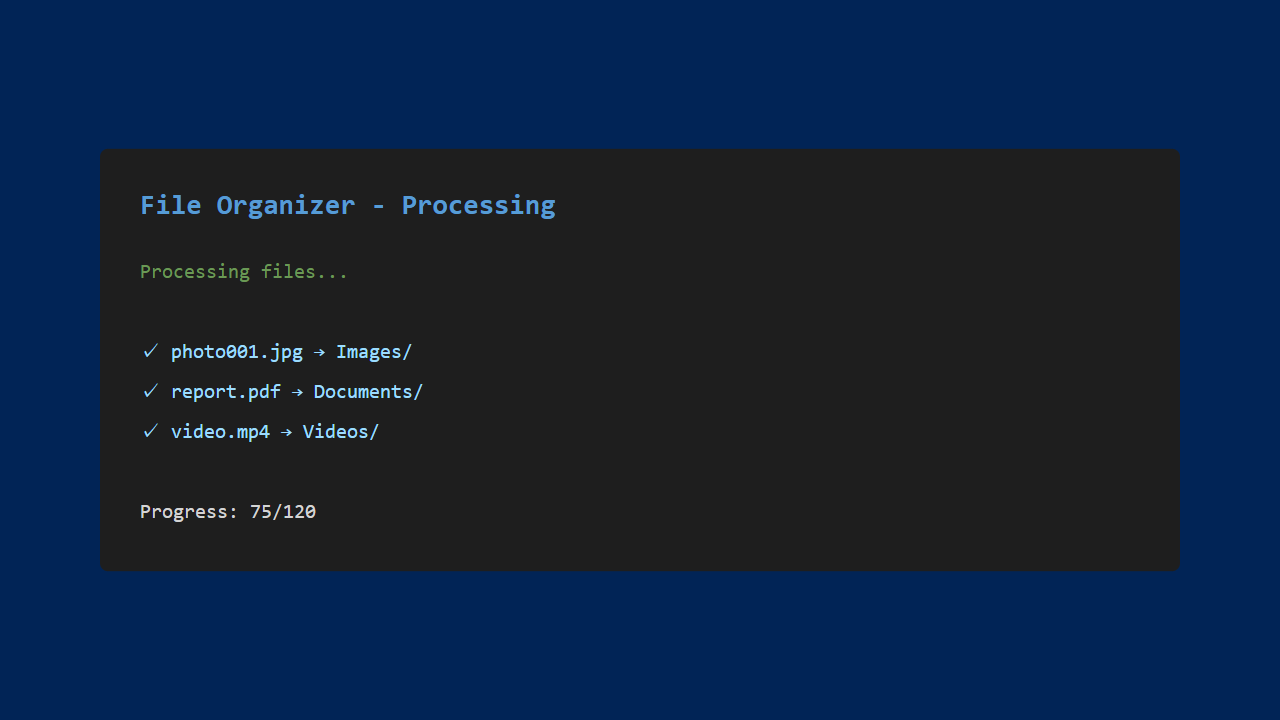
Sorting categories:
- Image files (.jpg, .png, .gif, etc.)
- Video files (.mp4, .avi, .mov, etc.)
- Document files (.pdf, .docx, .txt, etc.)
- Music files (.mp3, .wav, .flac, etc.)
- Archive files (.zip, .rar, .7z, etc.)
- Other
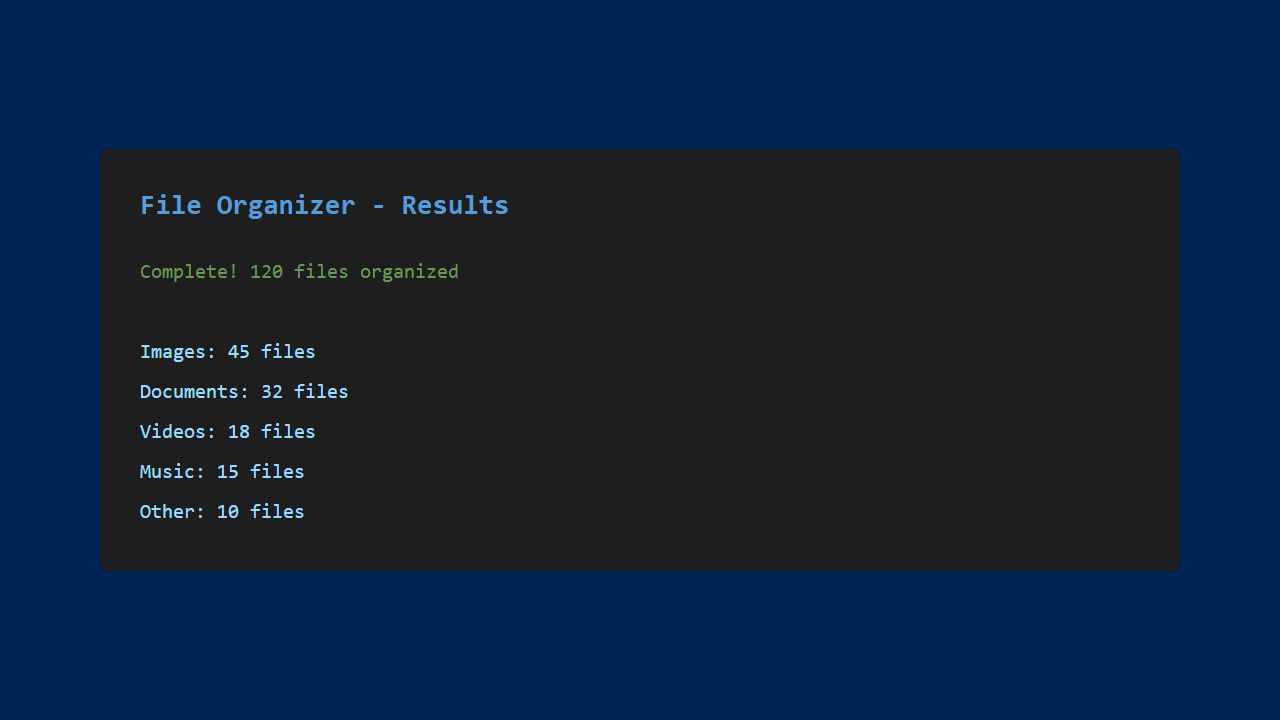
3. View Results
The tool displays the number of organized files and a breakdown by category.
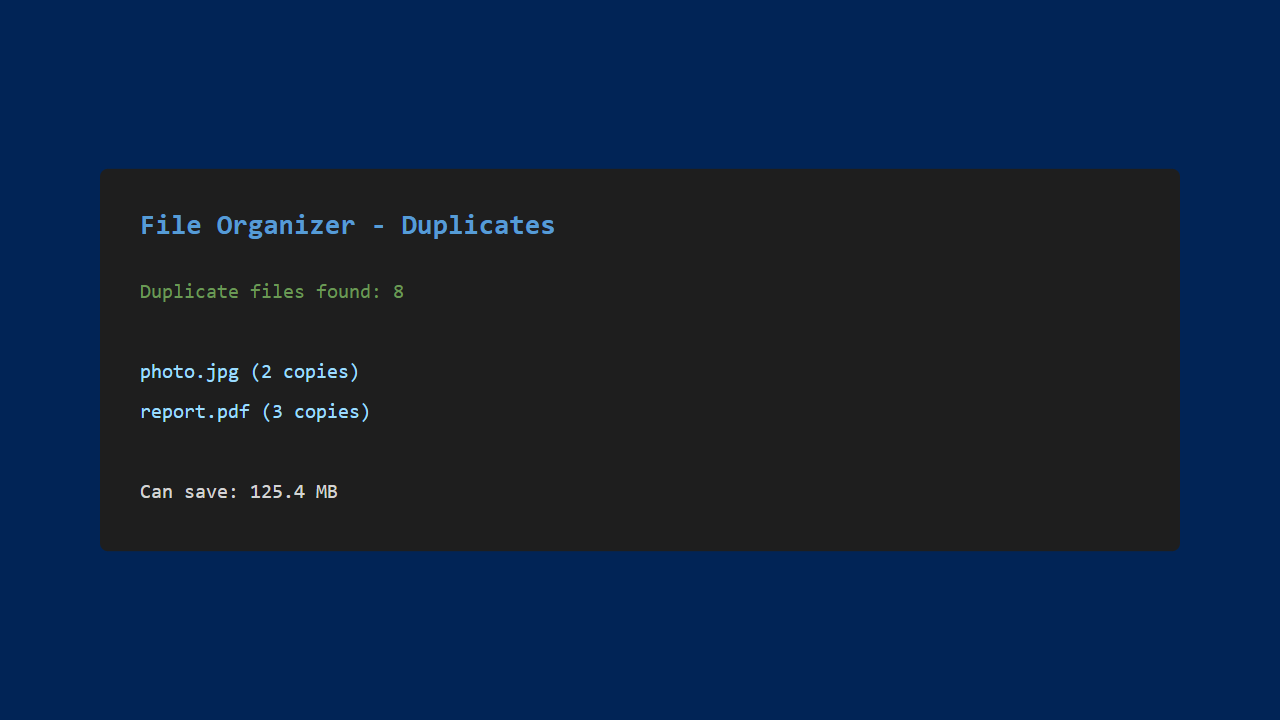
4. Detect Duplicate Files
The tool calculates file hashes to identify files with identical content.
Experiencing the Power of Automation
Compared to Manual Work
Manually sorting 100+ files would take over 30 minutes, but this tool finishes in just seconds.
Easy to Customize
You can add your own sorting rules through conversation with Claude Code:
- Sort by specific keywords in file names
- Sort by file size
- Sort by creator
My Impressions
What Worked Well
- Massive time savings: Organization takes virtually zero seconds
- No mistakes: Manual sorting is error-prone; automation is reliable
- Scheduled runs keep things tidy: Files get sorted before they pile up
- Duplicate reduction: Saves storage space
Room for Improvement
- Machine learning for content recognition
- Cloud storage integration
- GUI-based operation
- Undo functionality
Conclusion
Using Claude Code, I was able to build a file organization automation tool.
Automating repetitive daily tasks can save a tremendous amount of time. Even as a programming beginner, working through the process conversationally with Claude Code made it possible to create a genuinely practical automation tool.
Next time, I plan to take on even more advanced automation challenges.
See you in the next article!




Leave a Reply