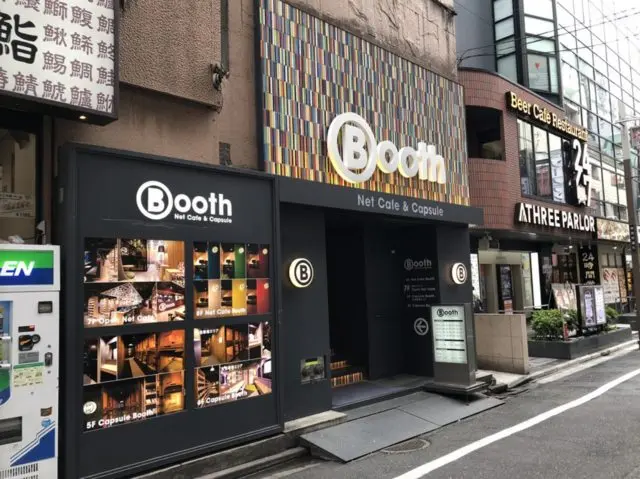
This article covers my visit to Booth Netcafe & Capsule, a stylish establishment in Shinjuku that combines an internet cafe with a capsule hotel.
Because of university, I find myself in Shinjuku almost every day, and sometimes I end up with a gap of free time before my next appointment.
For 15-30 minutes, a regular cafe works fine, but when it stretches to 1-2 hours, it gets tricky. So I decided to check out this place to make better use of that time.
The Place I Visited
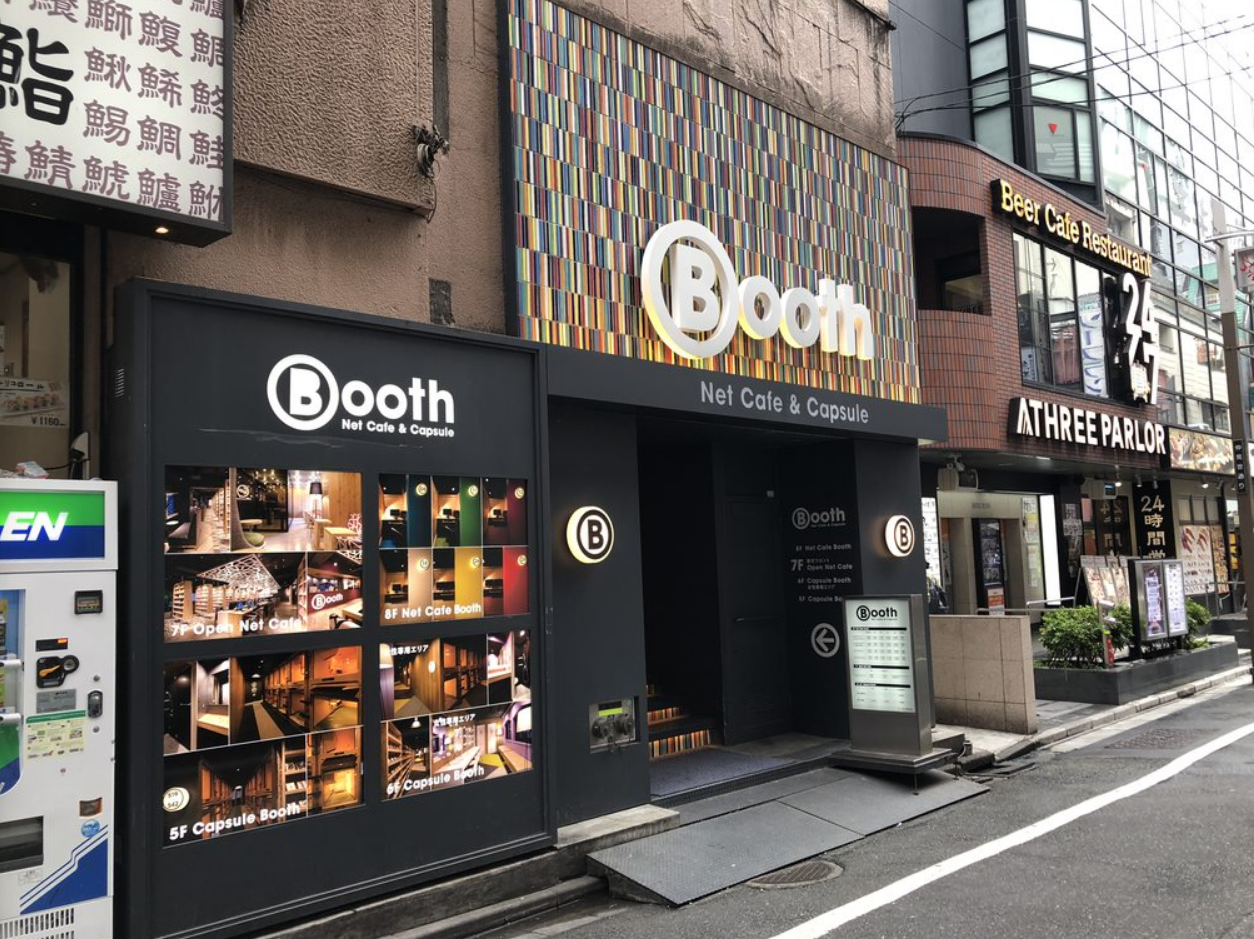
The place is called Booth Netcafe & Capsule.
As the name suggests, it operates both as an internet cafe and a capsule hotel.
Unlike typical Shinjuku internet cafes, this one prides itself on being stylish. It’s conveniently located about a 5-minute walk from Shinjuku Station and a 2-minute walk from Seibu-Shinjuku Station.
On the downside, it’s technically in Kabukicho, which might make some people hesitant, but it’s in a relatively safe(?) area, so there’s really nothing to worry about.
The Plan I Used
I went with the open seating plan at 500 yen for 2 hours.
I had considered just killing time at a regular cafe, but since I actually work part-time at a certain cafe chain, I know firsthand how annoying long-staying customers can be, so I decided against it.

Inside the Venue
The reception is on the 7th floor. The open seating area, along with magazines and manga, are also on this floor.
When I told the receptionist it was my first visit, they asked me to register as a member for free. Just follow the staff’s instructions. You’ll need an ID — I showed my driver’s license.
There were quite a few international visitors at the reception. Perhaps solo travelers to Japan looking to save on accommodation costs by staying at capsule hotels.
((Maybe capsule hotels don’t exist overseas, so it’s a cross-cultural experience for them.))
When I said I wanted to use the open seating, they collected the 2-hour fee on the spot.
The system is that they charge the base package fee upfront, and any overage is collected when you leave.
They’ll ask whether you want to use a PC. I had brought my ThinkPad, so I said no.
Seating is free choice — they said I could sit anywhere except the PC desks.
The open seating area doesn’t have that many seats, so I just picked a random one. Each seat has two power outlets at floor level.
‘That table is tiny!!’ was my first thought. It’s basically one of those tables you’d see at a Star**cks!
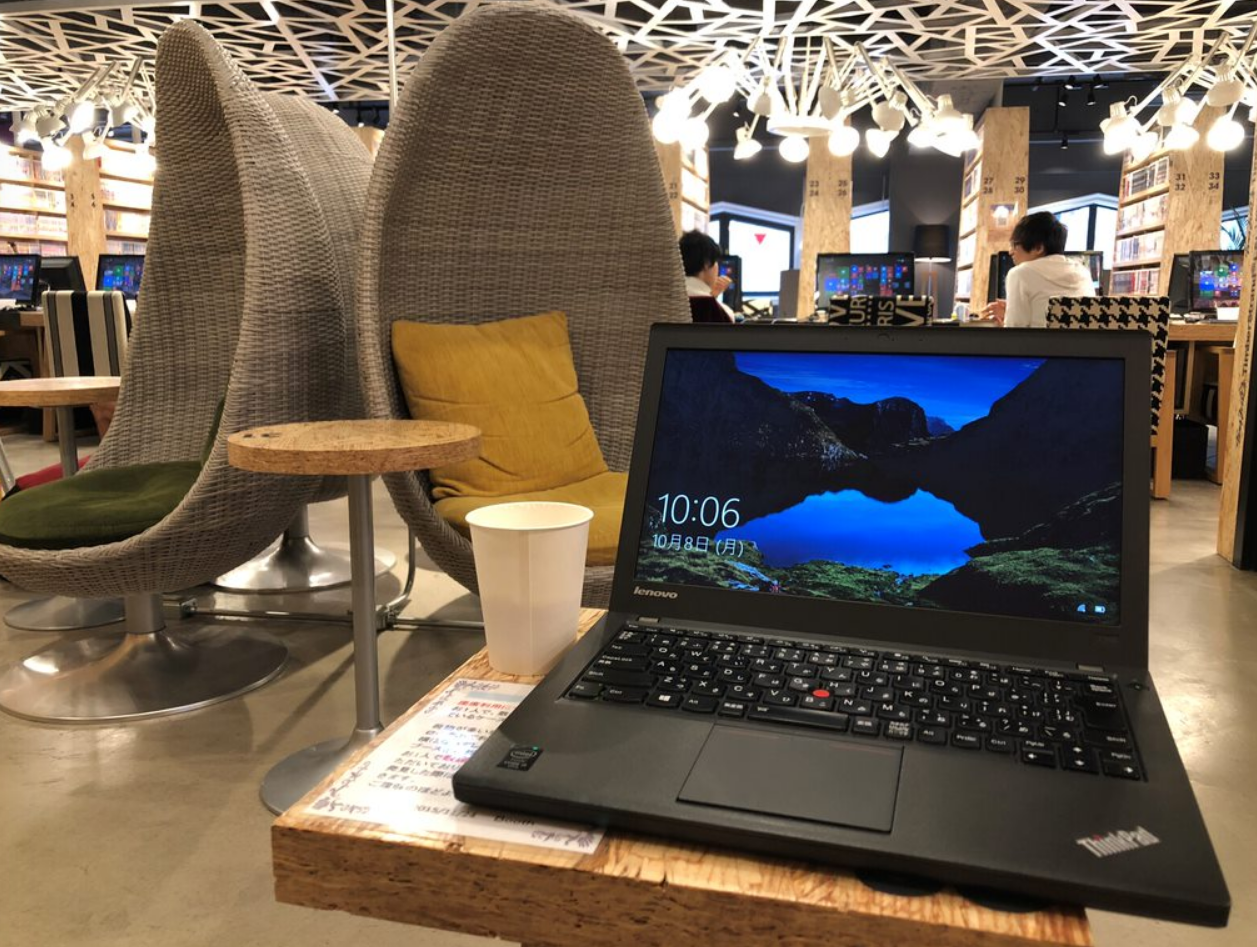
My ThinkPad X240 fits on the table fine, but if I put a drink beside it, the ThinkPad slightly overhangs the edge.
For MacBooks, the standard MacBook, Air 11-inch, and new Pro 13-inch would probably be okay, but other models would be a tight fit.
For Windows machines, my 12.5-inch ThinkPad X240 already overhangs, so you’d really need an ultracompact device.
If you’re just reading manga or magazines, the non-PC seats are fine, but they’re not suited for laptop use.
The PC desks are long tables, so if you’re bringing your own laptop, I’d recommend choosing one of those even if you don’t plan to use the provided PC.
The provided PCs were DELL OptiPlex machines running Windows 8.1. Based on the Intel sticker, the CPUs were 4th or 5th generation Core i-series. I don’t think they were Celerons.
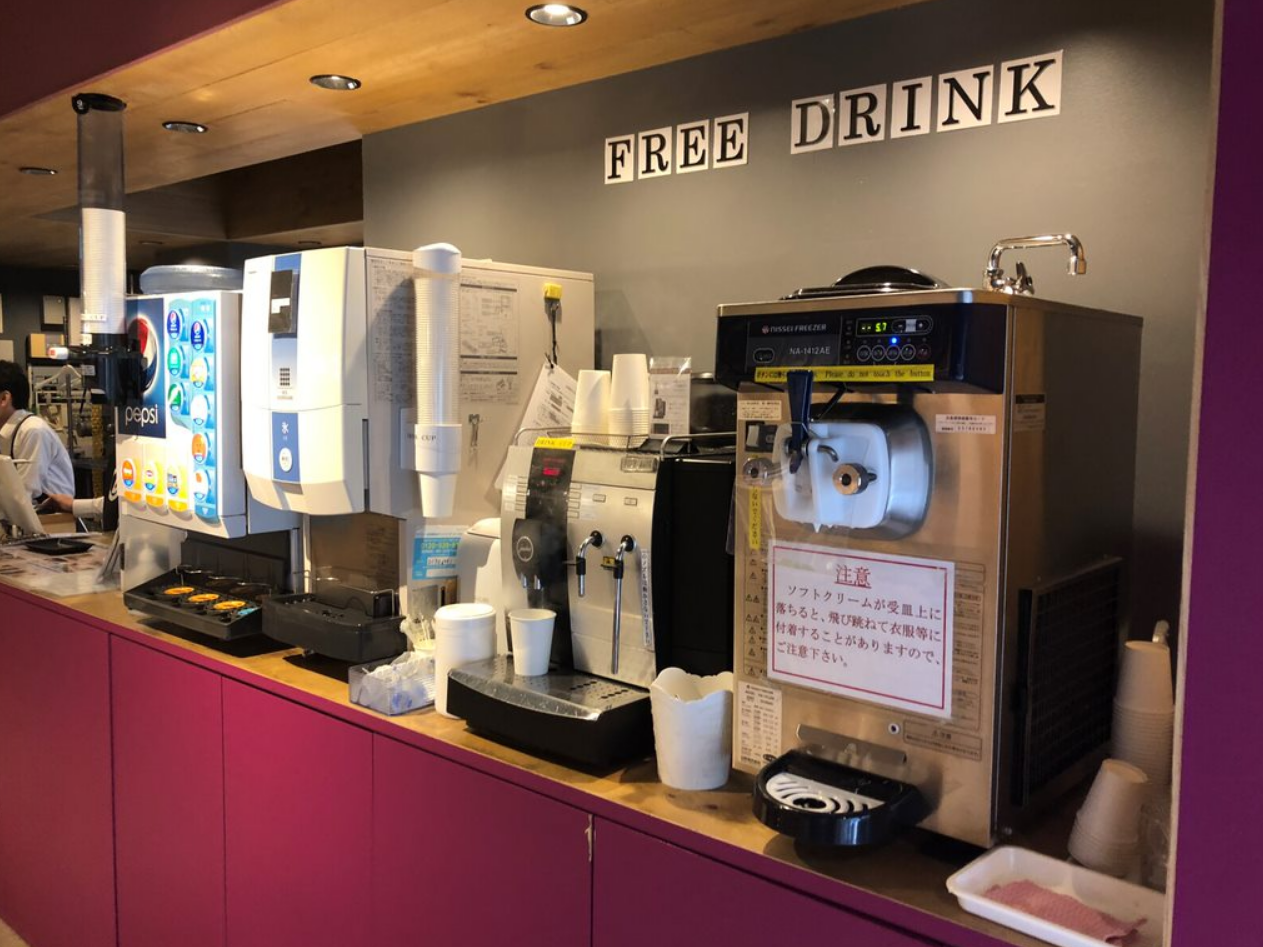
For drinks, they had soft drinks, coffee options, and soft-serve ice cream.
The coffee was about what you’d expect. (Can’t complain.)
Wi-Fi is available throughout the facility. The Wi-Fi password is posted next to the reception desk.
Speeds were decent enough for normal use.
There was also a smoking booth for those who need it.
The restroom is located behind the smoking booth. By general standards, it’s average. For an internet cafe, though, I’d say it was on the cleaner side.
That about covers the facilities.
My Impressions
It feels like they’ve invested too heavily in the aesthetics. While that’s not a bad thing per se, the cleaning could use some work, and the selection of magazines and manga is pretty limited.
Then again, for 500 yen for two hours in Shinjuku, maybe that’s just how it is. It could also work well as a coworking space.
Once you’ve tried it, you’ll probably understand — it’s one of those places that almost hits the mark but doesn’t quite get there.

![[Hotel Review] Via Inn Prime Kyoto Station Hachijo-guchi — Deluxe Double Room Stay](https://miyagadget.page/wp-content/uploads/2023/10/kq44V2Nl.jpg)
![[Free] How to Clear the EPSON EP-804A Waste Ink Pad Error with the Open-Source EWR Tool](https://miyagadget.page/wp-content/uploads/2026/09/hero-ep804a-waste-ink-error-640x360.jpg)
Leave a Reply