
In this article, I’ll share my experience of deliberately purchasing an older generation Synology NAS.
Synology Begins Vendor Lock-in
While Synology has traditionally provided a “Hardware Compatibility List (HCL)” with recommended drives, starting around 2021 with enterprise-focused products, they began implementing restrictions on non-branded or non-certified drives.
For 2025 models (especially the Plus series), certain features are unavailable when using non-certified drives, introducing a more aggressive vendor lock-in policy.
| Year | Event | Source |
|---|---|---|
| 2021 | Enterprise NAS models promote proprietary “HAT5300” HDDs, with third-party HDDs no longer officially supported. | ServeTheHome |
| 2023 | Reports emerge of restrictions on non-Synology SSDs for NVMe SSD cache and similar features. | Dong Knows Tech |
| 2025 | Plus series new models (e.g., DS925+) clearly implement feature restrictions when using non-certified drives. Storage pool creation, drive health analysis, firmware updates, and other features are restricted. | NASCompares |
Additionally, this issue has been covered by various news sites:
- Synology NAS restricts use of non-certified drives – GIGAZINE
- Questions about storage restrictions confronted during Synology internal visit
On social media platforms like X (Twitter), there are numerous posts saying “migrating to QNAP” or “Synology is done,” and the outlook seems to be getting worse.
Therefore, I deliberately chose NOT to purchase the latest 2025 model and went with a previous generation model instead.
Comparing the Older DS723+ with the Latest DS725+
Here’s a comparison table.
Take a close look at this table.
| Feature | DS723+ (Previous Gen) | DS725+ (Latest) |
|---|---|---|
| Release Date | Early 2023 | Mid 2025 |
| CPU | AMD Ryzen R1600 (2C/4T, 2.6-3.1GHz) | AMD Ryzen R1600 (Identical specs) |
| Standard Memory | 2GB DDR4 ECC | 4GB DDR4 ECC |
| Max Memory Capacity | 32GB (16GB × 2) | 32GB (16GB × 2) |
| Drive Bays | 2-bay (SATA 3.5″/2.5″) | 2-bay (SATA 3.5″/2.5″) |
| Expansion Unit | DX517 (eSATA) up to 7 bays total | DX525 (USB-C) up to 7 bays total |
| NVMe Slots | 2 × M.2 2280 NVMe | 2 × M.2 2280 NVMe |
| Network | 2 × 1GbE RJ-45 | 1 × 2.5GbE + 1 × 1GbE RJ-45 |
| Expansion Slot | PCIe Gen3 x2 (10GbE card compatible) | None (PCIe expansion not available) |
| Transfer Speed (Actual) | ~471MB/s read / 225MB/s write | ~276MB/s read / 224MB/s write |
| Power/Chassis | Energy efficient, 92mm fan, standard chassis | Nearly identical (minimal power consumption difference) |
| Vendor Lock-in | No restrictions (non-certified drives usable) | Certified drives recommended, non-certified have feature restrictions |
References:
NASCompares – DS725+ Info
Synology – DS723+ Product Page
Wait… isn’t this actually worse in some aspects? (sweat)
While the DS725+ comes standard with 4GB memory and 2.5GbE, the DS723+ can be upgraded to 10GbE via the expansion slot, and memory can be upgraded yourself without any difference.
Despite being released 2 years later, it uses the exact same Ryzen R1600 CPU. They should have at least used an R2000 series…
So basically,
“There’s no need to purchase the latest version with implemented feature restrictions”
This is the conclusion we reach.
Ordering from Overseas (AliExpress)
Alright! For those thinking “let’s buy the previous gen model!”
Actually, the moment “DS725+” was released, “DS723+” was discontinued and disappeared from the market.
Whether it was bought up in large quantities by people avoiding vendor lock-in, or Synology bought back the inventory themselves, is unclear, but there’s no stock available.
(It exists if you look hard, but at premium prices)
So, ordering from overseas was the only option.
I purchased from AliExpress, which I frequently use.
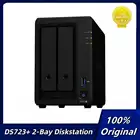
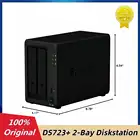
Price-wise, around 90,000 yen (~$600) would be ideal.
*This was roughly the price in Japan before discontinuation
From Purchase to Delivery
It was shipped from Hong Kong via DHL and took about 5 days to arrive.
| Date/Time | Status | Service Area | |
|---|---|---|---|
| June 23, 2025 (Mon) 11:05 (UTC+09:00) | Delivery completed | TOKYO – JAPAN | |
| June 23, 2025 (Mon) 10:30 (UTC+09:00) | Package to be delivered by partner carrier (delivery completion info to be updated) | TOKYO – JAPAN | |
| June 22, 2025 (Sun) 17:48 (UTC+09:00) | Package to be delivered by partner carrier (delivery completion info to be updated) | TOKYO – JAPAN | |
| June 22, 2025 (Sun) 15:45 (UTC+09:00) | Package delivery date changed/confirmed | TOKYO – JAPAN | |
| June 19, 2025 (Thu) 15:59 (UTC+09:00) | Package delivery date changed/confirmed | TOKYO – JAPAN | |
| June 19, 2025 (Thu) 13:53 (UTC+09:00) | Payment for package-related charges (import duties, etc.) completed | TOKYO – JAPAN | |
| June 19, 2025 (Thu) 12:02 (UTC+09:00) | Package arrived at DHL delivery facility | TOKYO – JAPAN | |
| June 19, 2025 (Thu) 11:58 (UTC+09:00) | Package departed from DHL facility | TOKYO – JAPAN | |
| June 19, 2025 (Thu) 11:56 (UTC+09:00) | Transport arrangements in progress at DHL facility | TOKYO – JAPAN | |
| June 19, 2025 (Thu) 11:31 (UTC+09:00) | Customs clearance completed and approved | TOKYO – JAPAN | |
| June 19, 2025 (Thu) 11:00 (UTC+09:00) | Package arrived at DHL sorting facility | TOKYO – JAPAN | |
| June 19, 2025 (Thu) 9:28 (UTC+09:00) | Customs information updated | TOKYO – JAPAN | – |
| June 19, 2025 (Thu) 9:25 (UTC+09:00) | Package in transit to next DHL facility | NARITA – JAPAN | |
| June 19, 2025 (Thu) 9:22 (UTC+09:00) | Package processing on hold | NARITA – JAPAN | |
| June 19, 2025 (Thu) 5:46 (UTC+09:00) | Customs information updated | TOKYO – JAPAN | – |
| June 19, 2025 (Thu) 3:41 (UTC+08:00) | Package departed from DHL facility | HONG KONG – HONG KONG SAR, CHINA | |
| June 19, 2025 (Thu) 3:04 (UTC+08:00) | Transport arrangements in progress at DHL facility | HONG KONG – HONG KONG SAR, CHINA | |
| June 19, 2025 (Thu) 0:33 (UTC+08:00) | Package arrived at DHL sorting facility | HONG KONG – HONG KONG SAR, CHINA | |
| June 18, 2025 (Wed) 22:30 (UTC+08:00) | Package picked up | HONG KONG – HONG KONG SAR, CHINA |
Unboxing and Operational Check
The box looked like this. No particular difference from the Japanese version – it seems they don’t separate by region.

Well, I thought there might be a global version, but I found Chinese text.

The power plug was Type O.

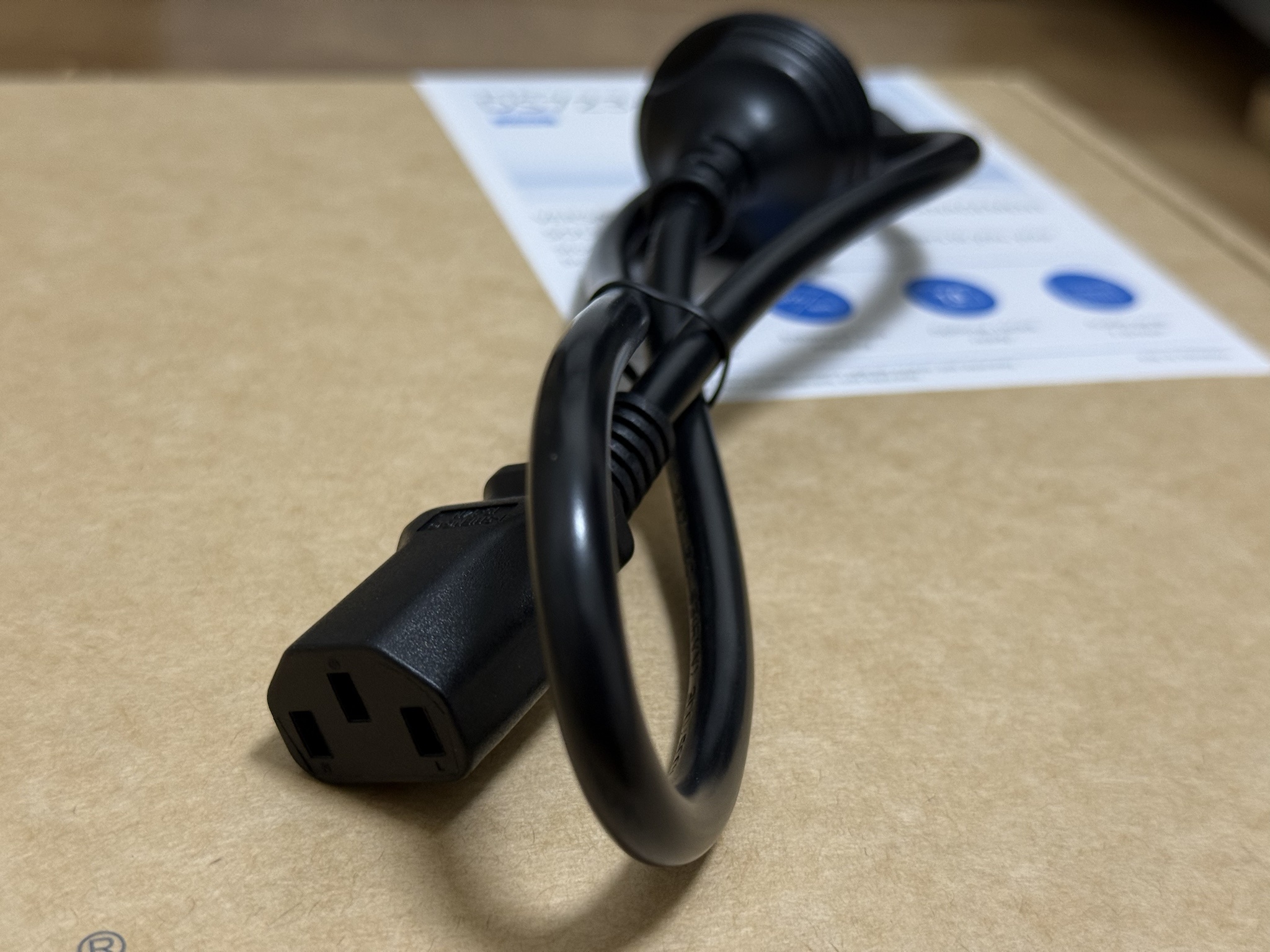
However, since the other end is a standard 3-pin connector, you can use it without an adapter by purchasing a cable like the one below.
I used a random 3-pin cable I had at home.
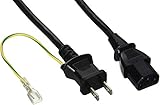
Buffalo BUFFALO Power Cable 3-pin socket (female) to 2-pin plug (male) 2m BSACC0620BKA Black
Price: 540 yen (as of Sep 23, 2025)
I installed both HDDs and SSDs.
Since I wanted to install the DSM OS on an SSD, I purchased and installed the following SSD.
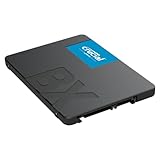
Crucial SSD Internal 2.5-inch SATA Connection BX500 Series 500GB Official Distributor Product CT500BX500SSD1JP
Price: 5,664 yen (as of Sep 23, 2025)
For the HDD, I used a spare Western Digital HDD 14TB WD Ultrastar DC 530.
This is a former HGST line and the HDD I trust most. You can’t go wrong with this series.
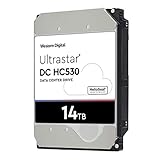
Western Digital HDD 14TB WD Ultrastar Data Center 3.5-inch Internal HDD HUH721212ALE604
Price: 48,038 yen (as of Sep 23, 2025)
Initial setup went smoothly without any issues, and I was able to use it normally.
Cables are a bit messy, but here’s the final installation.

Conclusion
In this article, I shared my experience of deliberately purchasing the older DS723+. What did you think?
QuickConnect also works without any problems, so I think this was an excellent purchase.
*Note: You can purchase from Japan, but be aware of premium pricing.
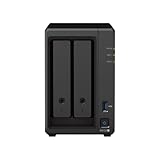
Synology DiskStation DS723+ 2-bay 3.5 diskless 2xGbE NAS (scalable), AMD Ryzen R1600 dual-core, 2GB RAM, 1xUSB3, eSATA.
Price: 142,267 yen (as of Sep 23, 2025)
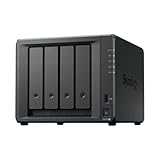
Synology NAS Kit 4-bay DS423+ Quad-core CPU 2GB Memory Standard User Oriented Official Distributor Product Phone Support DiskStation
Price: 135,831 yen (as of Sep 23, 2025)
![[1809 Compatible] How to Completely Remove Bloatware from Windows 10 (Essentially Making It LTSB)](https://miyagadget.page/wp-content/uploads/2023/08/WINDOWS10.jpg)
Leave a Reply