
In a previous article, I wrote about moving into a high-rise apartment and sharing my impressions.
In that article, I mentioned that the new apartment only had a VDSL connection — which I described as a negative point.
This time, I decided to try a different approach and test J:COM’s CATV (cable TV) internet service.
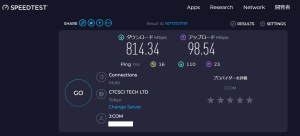
The bottom line: I’m getting around 800 Mbps down and 95 Mbps up, which should work well for anyone who doesn’t rely heavily on uploads.
What Is CATV Internet?
Most readers probably already know this, but are you familiar with coaxial cable?
It’s the cable you swap out when replacing your TV — commonly known as the “TV antenna cable.”
CATV internet is a service that uses this TV antenna cable to deliver internet connectivity.
I Tried the 1 Gbps Plan
I had always assumed CATV internet would be slow — that was my preconception.
However, at some point a 1 Gbps plan had been introduced, and I heard from the property management company that the building had recently been wired for 1 Gbps service.
So I decided to take the plunge and sign up.
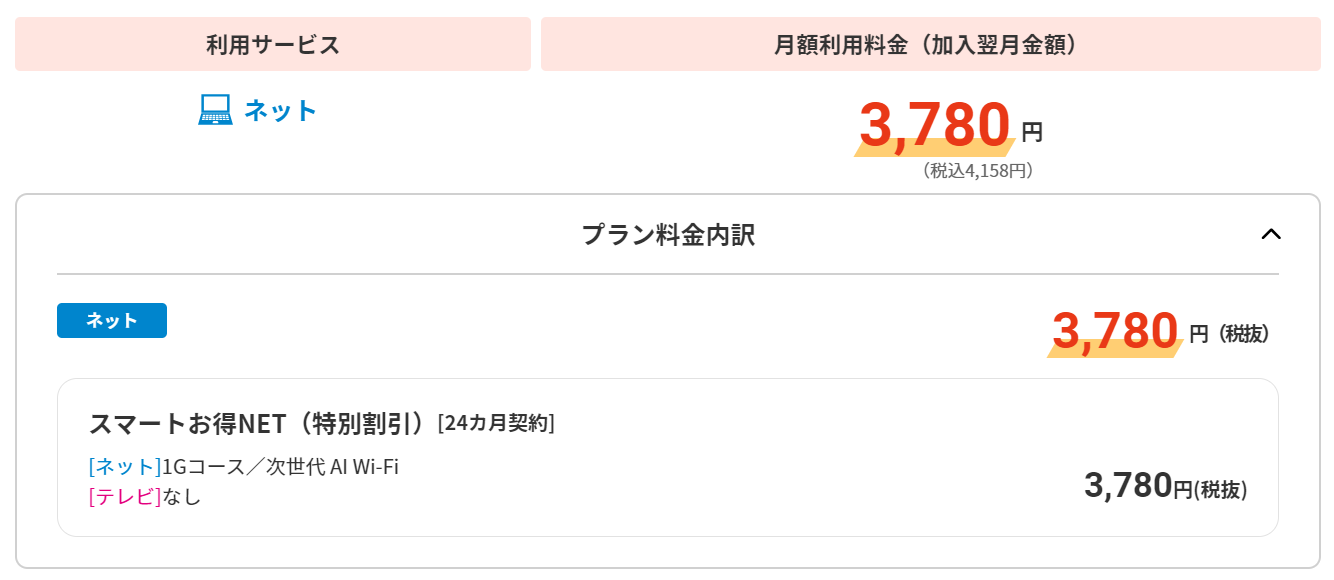
The apartment building I live in has a large number of units, which apparently qualified it as a “special discount property.”
As a result, the service is available at a slightly lower price — just 4,158 yen per month (tax included). That’s a great deal.
Depending on the property, the building owner may cover the cost, or the management association may have a bulk contract — meaning some residents can use it for free.
If it’s free, there’s really no reason not to sign up.
From Sign-Up to Installation
I signed up by phone and arranged the installation date along with the terms explanation.
The terms explanation was done via screen sharing, which felt surprisingly modern. (It took about 15 minutes.)
I chose a convenient date for the installation, and the technician came to do the work inside my unit.
I thought it would just be a matter of plugging things in, but they actually had to replace the coaxial wall outlet to make it compatible with the 1 Gbps service.
*This is because CATV internet uses a frequency band not typically used for TV, requiring an upgraded outlet.
The replacement and activation took about an hour, and I was online in no time.
Speed Test Results
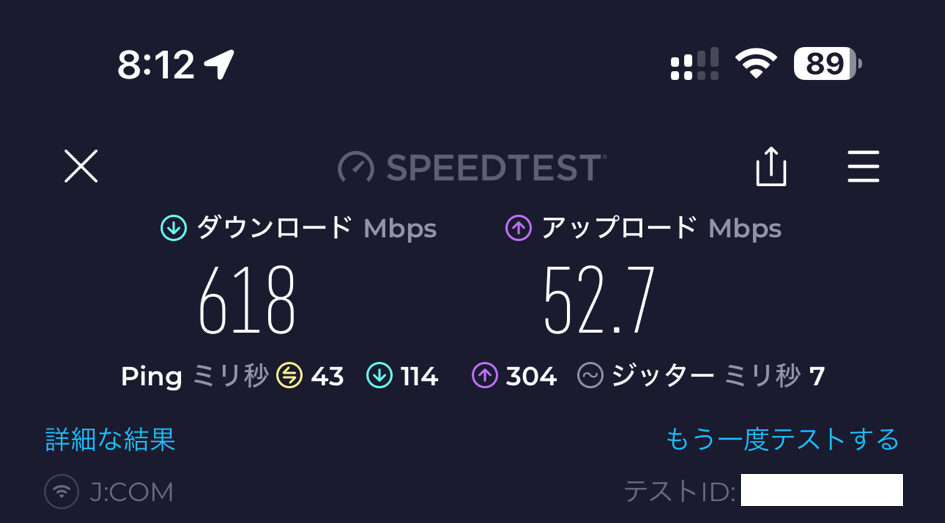
Speed test on iPhone 15 Pro Max:
Speed test from PC:

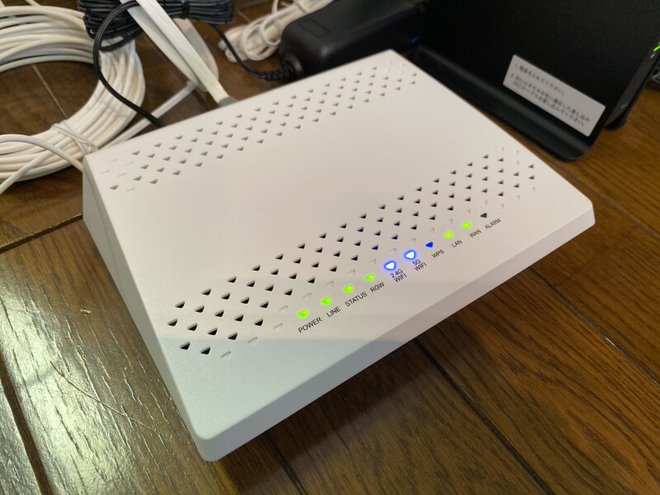
The results above are my actual measurements. I’m intentionally using J:COM’s older loaner router rather than the “Next-Gen AI Wi-Fi” model.
Because of this, Wi-Fi speed is likely the bottleneck, but even so, the results are quite impressive.
The speeds remain stable even late at night, which I’m very happy with.
Summary
I had been avoiding J:COM due to the preconception that it would be slow, but after actually signing up, I was pleasantly surprised by the results.
Since I work from home, I regularly use Zoom and RDP, and the connection has been perfectly reliable for both.
If your only option at home is a VDSL connection, I’d especially recommend giving J:COM’s 1 Gbps plan a try.
As a heads-up, you can find more details and sign up through the official website linked below. I hope you find it helpful.
Recommended Items
Wi-Fi 6 Router
Get the most out of your high-speed connection with a Wi-Fi 6 router.
Cat6A LAN Cable
Cat6A or higher cable needed for stable 1Gbps+ speeds.


Leave a Reply