
Auto-Generate PDF Reports with Claude Code
So far in this series, we’ve built everything up to a file organizer tool. This time, we’re tackling “automated PDF report generation” — building a tool that takes raw data and automatically creates polished PDF documents complete with charts and tables.
What We’re Building: An Automated PDF Report Generator
Key Features
- Chart generation from data: Bar charts, pie charts, line graphs
- Automatic table creation: Generate tables from CSV and Excel data
- Template support: Insert company logos, headers, and footers
- Multi-page support: Automatic page breaks for longer reports
- Batch generation: Create multiple reports at once

The Conversation with Claude Code
I asked Claude Code: “I want to automatically generate PDF reports from sales data, including charts and tables.”
Claude Code suggested an implementation using ReportLab and matplotlib:
- ReportLab for building the PDF structure
- matplotlib for generating charts to embed in the PDF
- pandas for data processing and table creation
- A template engine for customization
Implementation Workflow
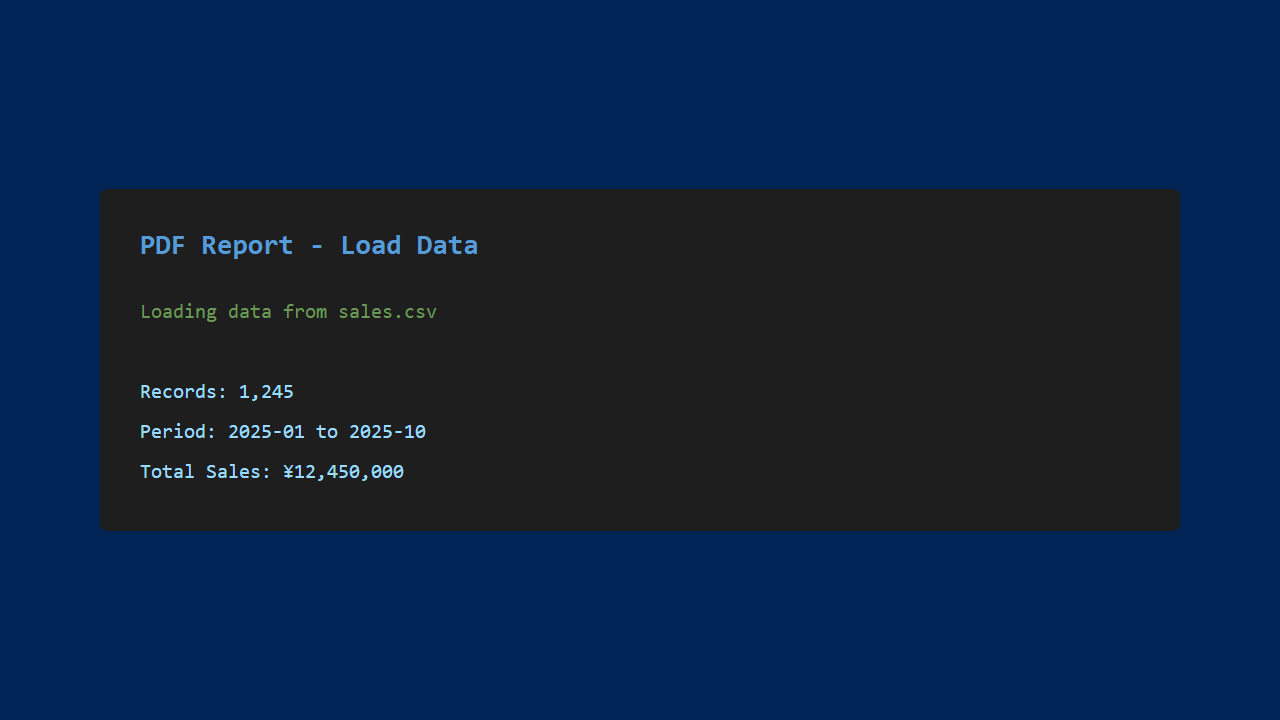
1. Loading Data
Load data from CSV or Excel files.
2. Report Settings
Select the report title, time period, and which types of charts to include.

3. PDF Generation
The PDF report is automatically generated based on the configured settings.

Generated content includes:
- Cover page (title, date, author)
- Summary (key metrics)
- Charts (sales trends, category breakdowns, etc.)
- Detailed data tables
- Conclusions and recommendations
4. The Generated PDF
The result is a professional-looking PDF document.

Streamlining Report Creation
Massive Time Savings
Reports that would take over an hour to create manually in PowerPoint can now be completed in seconds.
Quality Improvements
- Consistency: Uniform formatting across all reports
- Accuracy: Charts generated directly from data eliminates transcription errors
- Easy updates: Just update the data and regenerate for the latest report
Hands-On Impressions
The Good
- Dramatic time savings: Report creation takes just seconds
- Professional appearance: Clean charts and tables
- Customizable: Templates adapt to company formatting requirements
- Batch generation is a game-changer: Create reports for multiple departments at once
Room for Improvement
- Support for more complex layouts
- Web browser preview functionality
- A GUI-based template editor
- PowerPoint format export
Conclusion
Using Claude Code, I was able to build an automated PDF report generation tool.
By automating reports that need to be created on a regular basis, you can achieve significant time savings and quality improvements. This turned out to be a genuinely practical tool that’s ready for real-world business use.
In the next article, I’ll be tackling even more advanced automation challenges.
Until next time!




Leave a Reply