Skip to content
MIYA·AI·LAB / generative-AI test logs LLM · Claude Code · MLX · Ollama
AI MiyaAILab_
  • // Lab
  • // all logs
JA / EN
← Miya-Gadget
Generative AI PC

Building a Full-Stack Blog System with Claude Code: Applying Everything I Learned

2025年11月22日 · Shichinomiya
Building a Full-Stack Blog System with Claude Code: Applying Everything I Learned

Table of Contents

Toggle
  • Building a Full-Stack Blog System with Claude Code
  • What We Are Building A Full-Stack Blog System
      • Key Features
  • Conversation with Claude Code
  • Implementation Flow
      • 1. Project Setup
      • 2. Database Design
      • 3. Admin Panel
      • 4. Frontend Implementation
      • 5. Adding Analytics
  • Integrating All Previous Learning
      • Skills from Level 2-9 Combined
  • Features of the Completed Blog System
      • Practical Functionality
      • Learning Outcomes
  • Impressions
      • What Went Well
      • Future Enhancements
  • Summary
  • You might also like

Building a Full-Stack Blog System with Claude Code

From Level 2 through Level 9, we have built various applications. As a capstone project, this time we are combining everything learned to build a full-featured blog system.

What We Are Building: A Full-Stack Blog System

Key Features

  • Post Creation, Editing, and Deletion: With Markdown editor support
  • Category and Tag Management: Article classification and search
  • Comment System: Reader interaction
  • Image Upload: Embed images in articles
  • Analytics Dashboard: Visitor and page view statistics
  • RSS Feed: Automatic distribution of latest articles
  • SEO Optimization: Auto-generated meta tags and sitemaps
  • Responsive Design: Works on both desktop and mobile

Claude Code - Blog system creation request

Conversation with Claude Code

I told Claude Code: “I want to build a full-featured blog system that puts everything I have learned into practice as a real-world web application.”

Claude Code proposed the following tech stack:

  • Backend: Flask (Python web framework)
  • Database: SQLite (lightweight and beginner-friendly)
  • Frontend: Bootstrap (responsive design)
  • Editor: SimpleMDE (Markdown editor)
  • Authentication: Flask-Login (user management)

Implementation Flow

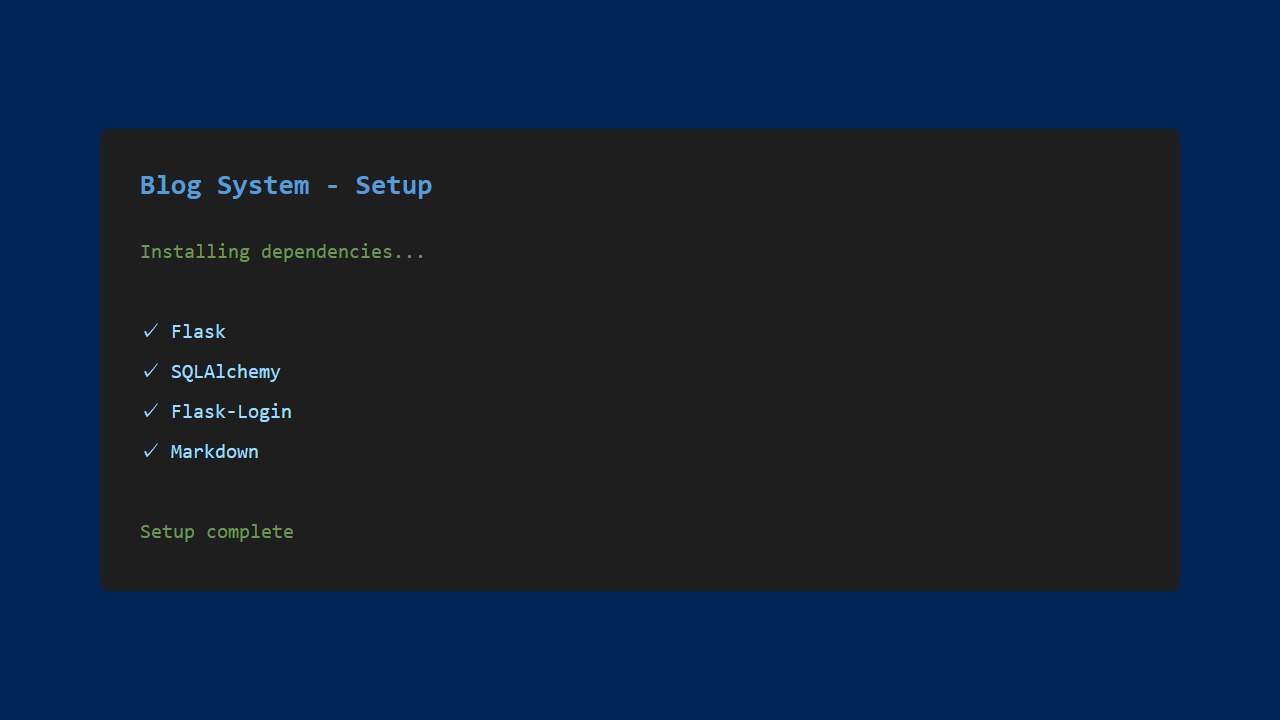
1. Project Setup

Claude Code created the project structure and installed all necessary libraries.
Project setup

2. Database Design

We designed tables for articles, categories, comments, and users.

Database design

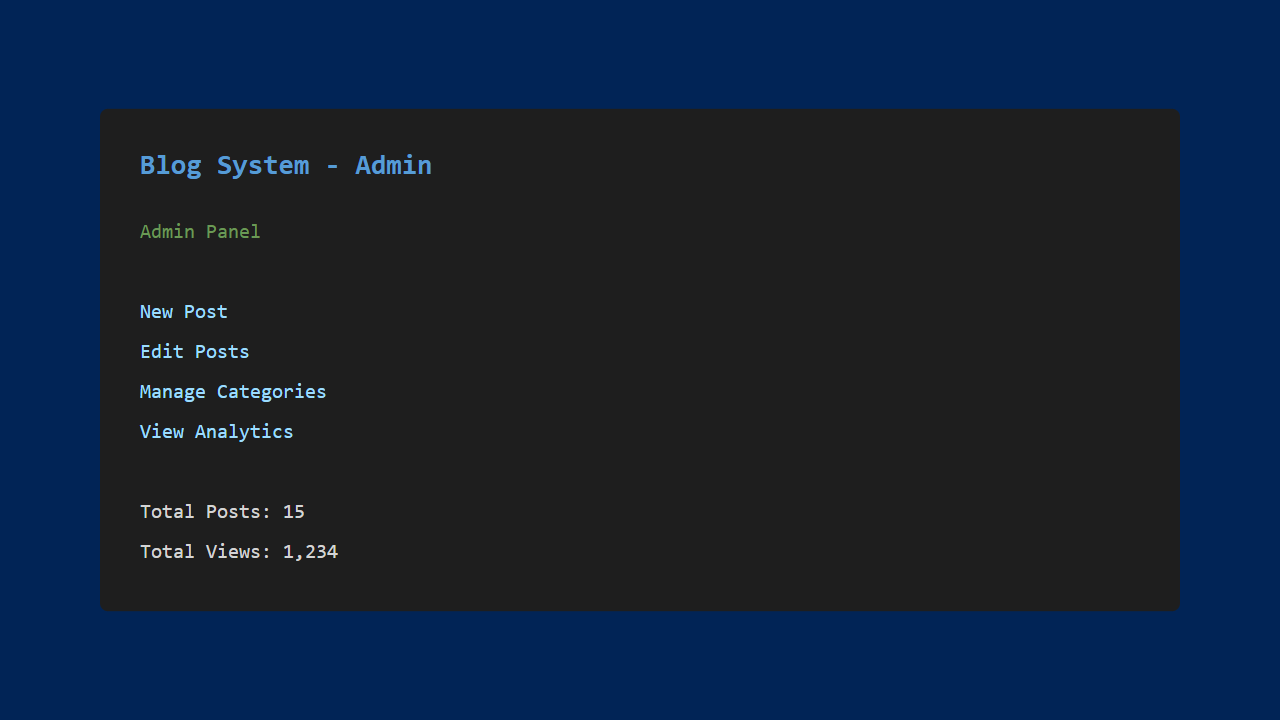
3. Admin Panel

We implemented an admin panel for creating and editing posts.
Admin panel

4. Frontend Implementation

We created the public-facing pages for readers.

Frontend

5. Adding Analytics

Leveraging the graph display features we built previously, we added access statistics visualization.

Analytics

Integrating All Previous Learning

Skills from Level 2-9 Combined

  • Level 2-3: Basic Python programming → Application foundation
  • Level 4-4.5: Data visualization and web integration → Analytics
  • Level 5: Web scraping → External content integration
  • Level 6: API integration → Weather widget
  • Level 7: File processing → Image uploads
  • Level 8: PDF generation → Article PDF export
  • Level 9: Email automation → New post notifications

Features of the Completed Blog System

Practical Functionality

  • Intuitive admin panel: Easy post creation
  • Fast rendering: Optimized queries and caching
  • Security: SQL injection and XSS protection
  • Extensibility: Plugin system for easy feature additions

Learning Outcomes

Through this project, the following skills were acquired:

  • Web application architecture basics
  • Database design and SQL
  • User authentication and session management
  • Frontend-backend integration
  • Deployment and publishing

Impressions

What Went Well

  • Comprehensive learning: Understood the full picture of web app development
  • Practical output: Built a genuinely usable blog system
  • Progressive learning: Knowledge built up from Level 2 paid off
  • Excellent Claude Code support: Quick resolution when stuck

Future Enhancements

  • Multi-user support (team blogging)
  • Advanced SEO features
  • Social media integration (auto-posting)
  • Multilingual support

Summary

Using Claude Code, we progressed from Level 2 to Level 10, gradually building programming skills.

Starting with a simple number guessing game, we eventually built a full-featured web application. Through conversations with Claude Code, even programming beginners can create practical applications.

The skills learned here can be applied to future development. I encourage everyone to try building various applications with Claude Code!

Thank you for following along with this series!

You might also like

More generative-AI logs from the lab.

  • The Complete Guide to Claude Code: Get Started with AI Development on Windows in 5 Minutes
  • Tesla V100 32GB Runs Qwen3.8-27B: 131k Context on a Single Card — Measured Benchmark
  • Auto-Generate PDF Reports with Claude Code: From Raw Data to Polished Documents
  • Modded RTX 4080 32GB Benchmarked: Qwen3.8-27B at 262K Context, 125B MoE, and MiniMax H3 Video — What 32GB Actually Delivers
Previous Article Automate Email Sending with Claude Code: Fully Automating Routine Tasks
Next Article USB-C vs DisplayPort — Understanding Daisy Chaining for Multi-Monitor Setups

Related Posts

Automate Email Sending with Claude Code: Fully Automating Routine Tasks

Automate Email Sending with Claude Code: Fully Automating Routine Tasks

Modded RTX 4080 32GB Benchmarked: Qwen3.8-27B at 262K Context, 125B MoE, and MiniMax H3 Video — What 32GB Actually Delivers

Modded RTX 4080 32GB Benchmarked: Qwen3.8-27B at 262K Context, 125B MoE, and MiniMax H3 Video — What 32GB Actually Delivers

Smart Shopping with Claude Code: Building an Automatic Price Monitoring Tool

Smart Shopping with Claude Code: Building an Automatic Price Monitoring Tool

Qwen 3.6 on a Mac, Measured: on an M1 Max 64GB, the MoE 35B ran 3.7x faster than the 27B

Qwen 3.6 on a Mac, Measured: on an M1 Max 64GB, the MoE 35B ran 3.7x faster than the 27B

Leave a Reply Cancel reply

Your email address will not be published. Required fields are marked *

Shichinomiya

Shichinomiya

A blogger who loves PC and gadgets. Sharing daily discoveries.

@shichinomiya_s

Popular Posts

  • Does the trending Claude Code skill “ADHD” actually make the agent smarter? A measured duel vs single-shot
  • Easy Task Management with Claude Code — Building a Mobile Budget App from Your Smartphone
  • Building a Weather Forecast App with Claude Code and API Integration
  • Can you really cut your AI API bill? I deployed the context-compression tool “Headroom” and measured it
  • Smart Shopping with Claude Code: Building an Automatic Price Monitoring Tool

Categories

  • Announcements
  • Cars
  • Cycling
  • Gadgets
  • Generative AI
  • Home Appliances
  • Internet Service
  • Outings
  • Overseas Shopping
  • PC
  • Rental Servers & VPS
  • Travel

MiyaAILab

A hands-on lab for generative AI — new models, tools, and services tested for real, from benchmarks to everyday usefulness.

Lab

  • AI Lab トップ
  • 生成AI 全記事
  • ← Miya-Gadget 本体

Latest

  • Dual Tesla V100 SXM2 on a Single PCIe Slot: 64GB VRAM & 300 GB/s NVLink Tested — Is This $700 Setup Worth It?
  • Modded RTX 4080 32GB Benchmarked: Qwen3.8-27B at 262K Context, 125B MoE, and MiniMax H3 Video — What 32GB Actually Delivers
  • Tesla V100 32GB Runs Qwen3.8-27B: 131k Context on a Single Card — Measured Benchmark
  • Tesla V100 32GB in 2026: Local LLM Benchmark with Qwen 3.6 — 98.8 tok/s on MoE 35B, 1.6x Faster Than M1 Max (Used, ≈$900)
© 2026 Miya AI Lab — a section of Miya-Gadget. miyagadget.page